Built for long broadcasts, not 10-minute demos
- Handles up to 12 hours in one pass: Hour eight gets the same transcript attention as minute five.
- Facecam stacked cleanly above gameplay: Dedicated 9:16 split layout keeps your reaction visible without cropping out HUD action.
- Auto-clip every stream: Connect your channel with Auto-Clip so new VODs get clipped automatically after you end stream.
Stream on an NVIDIA PC? Clip your own VODs free
Run legit2compute in away mode overnight: your own legit2clip VOD jobs run first on your own GPU at zero credit cost.
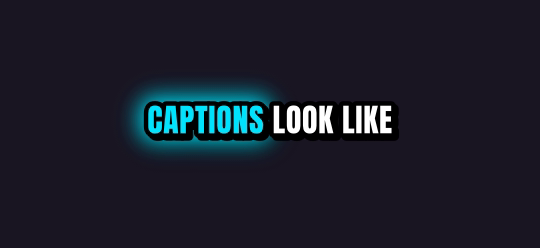
Ten caption styles, plus Auto
Rendered by the same engine that burns your clips. Pick up to four on one job.



Finish it in Studio
Type a picture, a voiceover, an original music track or a sound effect, and Studio adds it to your clip's timeline. One export, captions burned in. Every account gets 5 free AI generations a day through Black Friday, November 27.
What you get
| Free plan | Your first video is free, up to 60 minutes long. Then 1 hour of video every month, topped up monthly (it never stacks); 720p previews after your first job |
| Links | YouTube videos, Twitch and Kick past broadcasts, up to 12 hours long |
| Uploads | Any video file up to 2 GB, or pick one from Google Drive or Dropbox |
| Shapes | 9:16 for TikTok, Shorts and Reels; 1:1 for the feed; 16:9 for YouTube |
| Captions | 10 word-by-word styles plus Auto; up to 4 styles on one job |
| Watermark | Free and pay-as-you-go clips carry a small legit2clip.com mark; Pro or the $9.99 VOD pass removes it |
Questions
Does it work on Kick VODs too?
Yes — paste Twitch, Kick, or YouTube stream VOD links up to 12 hours long.
How do campaign clippers get watermark-free HD clips?
Your first video (up to 60 min) is clean 1080p. After that, invite friends for clean HD unlocks, unlock single clips for 40 credits, or go Pro ($19/mo) for unlimited watermark-free HD and half-price minutes.