How it works
Bring a video
Upload the cut you want captioned (up to 2 GB), pick it from Google Drive or Dropbox, or paste a Twitch or Kick VOD.
Pick a style
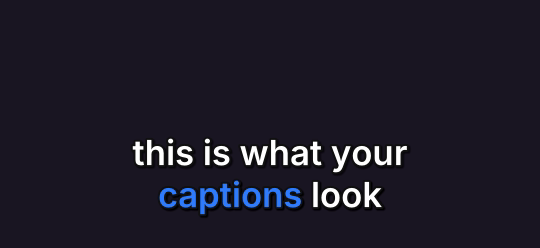
The preview is rendered by the same engine that burns the video, so what you see is what you get. See the price before anything is charged.
Read it back and fix
When it is done, read the captions back, correct any name it misheard and burn them again. It remembers your corrections on every job after that.
Which style for which video
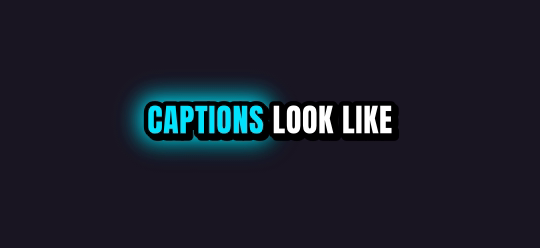
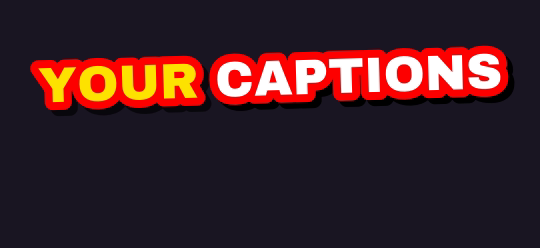
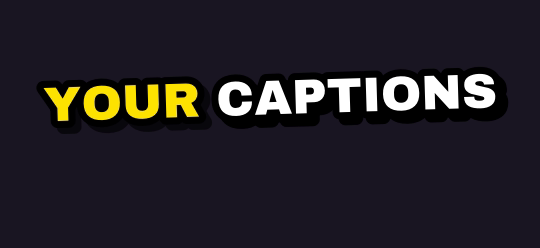
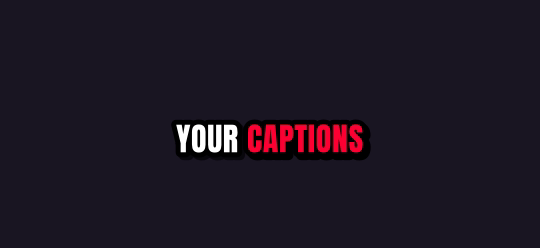
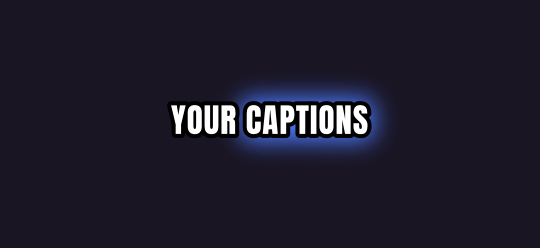
- Dynamic viral, Hype beast, Bold impact: loud, high-contrast captions for stream moments, reactions and gaming.
- Shorts and Reels: white captions with cyan accents.
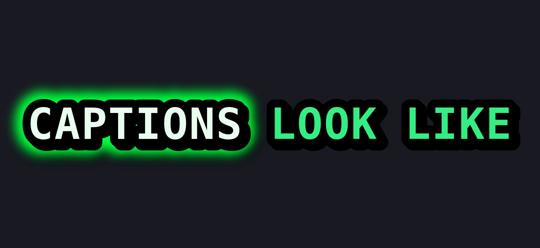
- Neon glow, Hacker green: a look of their own for tech and night streams.
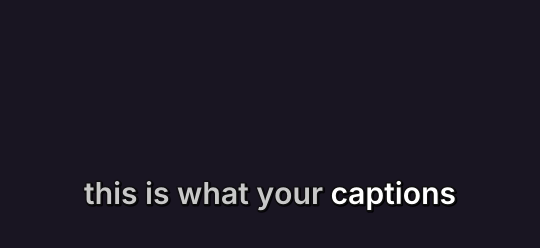
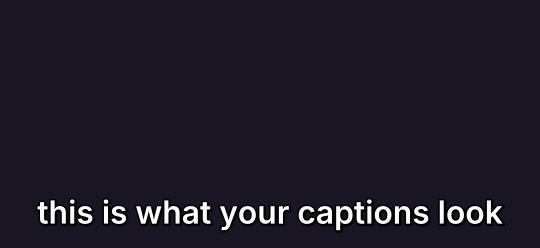
- Clean, Minimal pro, Educational: quiet captions for podcasts, talks and tutorials.
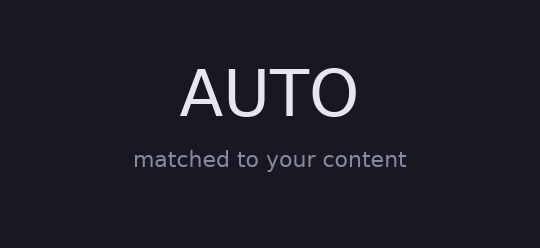
- Auto: picks a style for you.
Two ways to use them
- Caption a finished video. The Captions page burns word-by-word captions across your whole video. Nothing is cut.
- Clip and caption. Give it a long video or a VOD and every clip it cuts comes back captioned.
Test styles against each other
When you clip, pick up to four styles on one job and every clip is rendered once in each. The first style is included; each extra one adds 25 credits. Post the variants and keep the one your audience watches.
All the caption styles
Rendered by the same engine that burns your clips. Pick up to four on one job.

What you get
| Free plan | 5 hours of video every month, topped up monthly (it never stacks) |
| Links | Twitch and Kick past broadcasts up to 12 hours long |
| Uploads | Any video file up to 2 GB, or pick one from Google Drive or Dropbox |
| Shapes | 9:16 for TikTok, Shorts and Reels; 1:1 for the feed; 16:9 for YouTube |
| Captions | 10 word-by-word styles plus Auto; up to 4 styles on one job |
| Watermark | Free and pay-as-you-go clips carry a small legit2clip.com mark; Pro removes it |
Questions
Can I add captions without clipping?
Yes. The Captions page burns captions across your whole video without cutting anything, and shows the price first.
What languages work?
English, Spanish and French, or let it detect the language.
Are the captions editable?
Yes. Read them back when the job is done, correct what it misheard and burn them again.
Is it free?
5 hours of video every month are free when you sign in with Discord. Free clips carry a small legit2clip.com watermark.