How it works
Bring the video
Upload a file up to 2 GB, pick one from Google Drive or Dropbox, or paste a Twitch or Kick past broadcast up to 12 hours long.
See the price first
It measures the video before anything runs: 10 credits per video plus 4 per minute, and the first 5 hours every month are free.
Choose clips and styles
How many clips, which shape (9:16, 1:1 or 16:9) and up to four caption styles. Every clip comes back once in each style.
Download and post
Download clips one at a time or all at once and post them on your own accounts.
How it picks the clips
It doesn't chop the video into equal pieces. It transcribes every word, then looks for moments that land without the rest of the video: a story with an ending, a strong opinion, a demo that pays off. Hour seven gets the same attention as minute one.
- Each clip starts and ends on a whole sentence, so nothing opens mid-word.
- No sentence ends up in two clips.
- When a wide shot becomes vertical, the speaker stays in frame.
- Captions light up word by word, in the style you pick.
What it works best on
Talking videos: podcasts, conference talks, interviews, lectures, webinars and streams. Before the beta opened we ran 156 security talks (78 hours) from our local hacker meetup through it, and wrote up what we learned. A 4.6-hour Twitch broadcast came back as 5 finished clips in 29 minutes.
It cuts and captions your own footage. It doesn't generate video, so what people see is what was actually said.
What it costs
You pay per minute of video in credits (1 credit = 1 cent), with no subscription. The full breakdown is on the pricing page.
| Video length | Price | In dollars |
|---|---|---|
| 1 hour | 250 credits | $2.50 |
| 4 hours | 970 credits | $9.70 |
| 5 hours (fits the free plan) | 1,210 credits | $12.10 |
| 8 hours | 1,930 credits | $19.30 |
Base price for one video. Pro takes half off. Each extra caption style adds 25 credits, and the dashboard shows the exact price before anything runs.
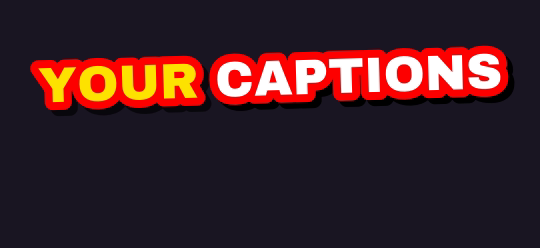
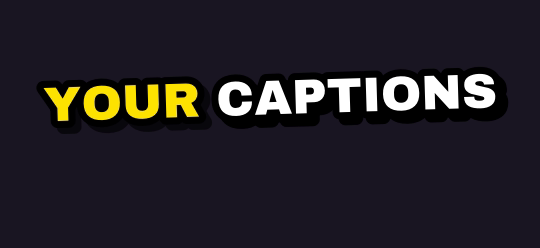
Ten caption styles, plus Auto
Rendered by the same engine that burns your clips. Pick up to four on one job.


What you get
| Free plan | 5 hours of video every month, topped up monthly (it never stacks) |
| Links | Twitch and Kick past broadcasts up to 12 hours long |
| Uploads | Any video file up to 2 GB, or pick one from Google Drive or Dropbox |
| Shapes | 9:16 for TikTok, Shorts and Reels; 1:1 for the feed; 16:9 for YouTube |
| Captions | 10 word-by-word styles plus Auto; up to 4 styles on one job |
| Watermark | Free and pay-as-you-go clips carry a small legit2clip.com mark; Pro removes it |
Questions
Is there a free AI video clipper?
Yes. Sign in with Discord and you get 5 hours of video every month at no cost. Free clips carry a small legit2clip.com watermark.
Can I try it without signing up?
Yes: the live demo opens a real talk that has already been clipped, no account needed.
Can I paste a YouTube link?
Not yet. Upload the file instead, or pick it from Google Drive or Dropbox. Twitch and Kick VOD links work on every plan.
How long does it take?
Most of the wait is downloading and transcribing. A 4.6-hour stream took 29 minutes in our test; a short talk is back in a few minutes. You can close the tab.